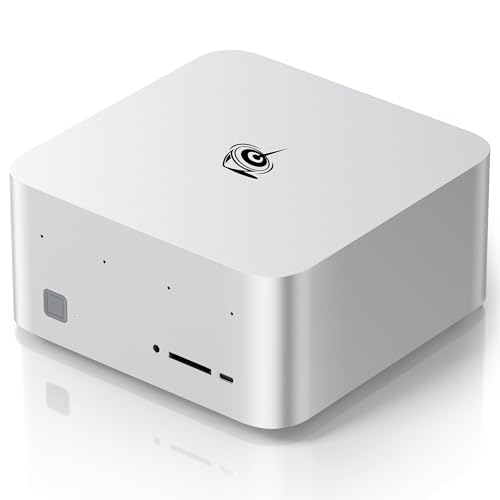
Can a Mini PC Run an LLM?
Updated
Yes, and the answer changed recently enough that most advice online is still wrong about it.
What changed?
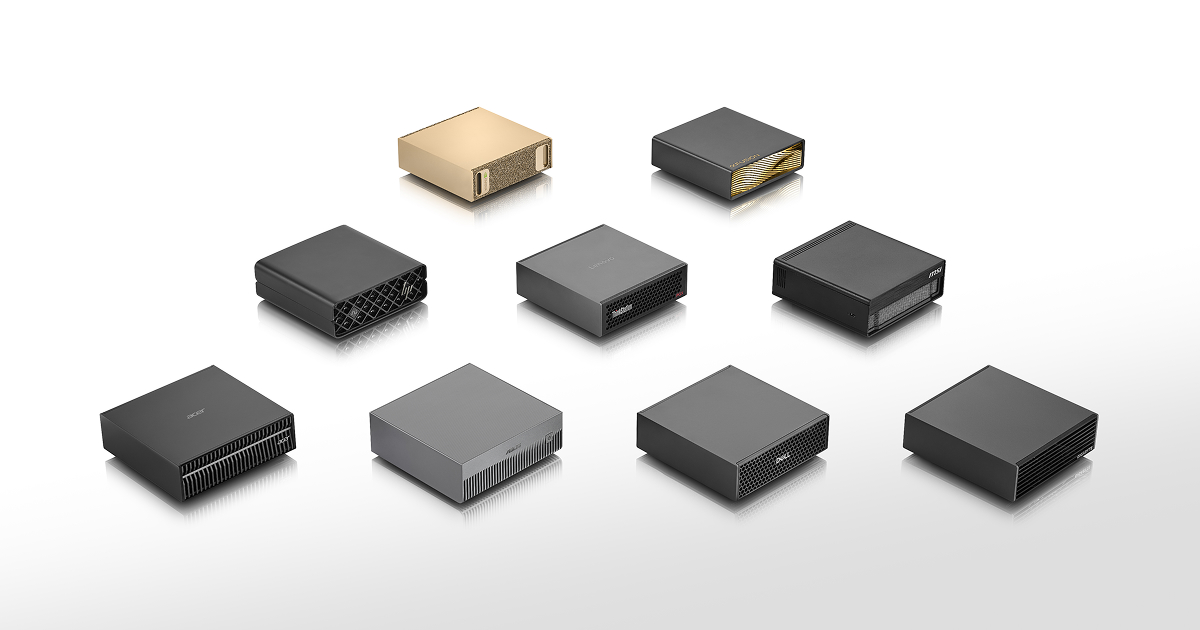
Until unified-memory processors arrived, a small chassis meant a small graphics processor and a small memory pool. Ryzen AI Max and the NVIDIA GB10 module broke that by putting a wide memory bus and a large shared pool into a package that fits a box the size of a hardback book.
What can one actually run?
A 128GB mini PC gives a model about 96GB of usable memory, which holds a 70B model at Q4 comfortably with room for a long context. That is more than any consumer graphics card can hold, in a machine drawing well under 200W.
Where is the catch?
Bandwidth. These machines read memory at roughly 256 to 273 GB/s against up to 1,792 GB/s for a top discrete card. Text arrives steadily rather than instantly, and the difference is obvious if you have used both. For image and video generation, which depend on compute rather than memory, the gap is wider still.
What should you check before buying?
Memory is soldered on nearly all of these machines, so the capacity you buy is permanent. Buy for the model you expect to run in two years, not the one you are running today. Check the cooling too: sustained inference is a continuous load, and small chassis vary a great deal in how quietly they handle it.
How does a mini PC compare to a laptop?
Favourably, for the same money. A mini PC does not carry a screen, a battery or a keyboard, so more of the budget goes into memory and cooling, and it holds its clocks because the chassis has room for a real heatsink. The same processor family will sustain higher performance in a mini PC than in a thin laptop.
The obvious trade is that it does not travel. If your work is at a desk, that is not a trade at all.
What about running one as a home server?
This is where these machines are at their most compelling. A mini PC drawing well under 200W can sit on a shelf and serve a model to every device in the house over the network, which is a far better use of one than treating it as a desktop you sit at.
Check the networking before buying if that is the plan. Several of these machines carry dual 10 gigabit ports, which matters if you are moving large contexts or documents to it, while others have a single 2.5 gigabit port.
What should you watch out for?
Three things. Memory is soldered, so buy the capacity you will want later. Cooling varies a great deal between chassis and a sustained inference load will find the weak ones, so look for a review that tested under continuous load rather than a benchmark run. And confirm which memory configuration a listed price refers to, because these machines are sold at several sizes under one model name.
Is the software ready?
Mostly. Ollama and LM Studio run well on these machines and handle the memory allocation sensibly. ROCm and Vulkan support on Ryzen AI Max has improved considerably over the past year. You will still meet a tool that assumes CUDA and does not work, so if your workflow depends on one specific piece of software, verify it before buying rather than after.
How fast is it in practice?
At 256 GB/s a 70B model at Q4 reads roughly 42GB per token, which puts a theoretical ceiling around six tokens per second, and real figures land below that. That is readable at about conversational reading speed rather than instant.
Whether that is acceptable depends entirely on the work. For a chat interface or a background agent it is fine. For something you sit and wait on repeatedly, it will frustrate you, and a smaller model on faster hardware would serve better.
What about the GB10 machines?
They are mini PCs too, and they sit a tier above the Ryzen AI Max machines on both price and capability. About 120GB of usable memory at 273 GB/s, with the full CUDA stack behind it, which removes most of the software friction. If your tooling assumes NVIDIA, that is worth a great deal.
They cost considerably more. The table above lists both families with current verified prices where we have them.
What should you buy?
For the best capability per pound, a 128GB Ryzen AI Max machine. For the least software friction and slightly more memory, a GB10 machine. For small models at high speed, neither: buy a discrete graphics card instead, because a mini PC will not match it on anything that fits in 32GB.
How we calculate the figures on this page
The capability claims on this page come from stored specifications rather than impressions. A 128GB Ryzen AI Max mini PC gives a model about 96GB under Windows, which clears the roughly 51GB a 70B model needs at Q4 with substantial room for context. A GB10 mini PC gives about 120GB because it reserves only the operating system from a coherent pool. Both figures are computed from the memory architecture and printed on each system page alongside the rule that produced them. On speed we are deliberately quiet. Generation rate depends on the runtime, the quantisation, the context length and the thermal state of the chassis, and a tokens per second figure quoted without those four is worse than no figure at all. Where we have no benchmark on record, the system page says performance not yet benchmarked rather than estimating one, and the bandwidth column is there so you can compare machines on the number that actually predicts throughput. What we can say with confidence is the capacity question, because that is arithmetic rather than measurement: these machines hold models that no consumer graphics card can, and that is the reason to consider one.