Is 128GB Enough for Local AI?
Updated
For almost everyone, yes. The cases where it is not are specific and worth knowing before you spend more.
What does 128GB actually give a model?
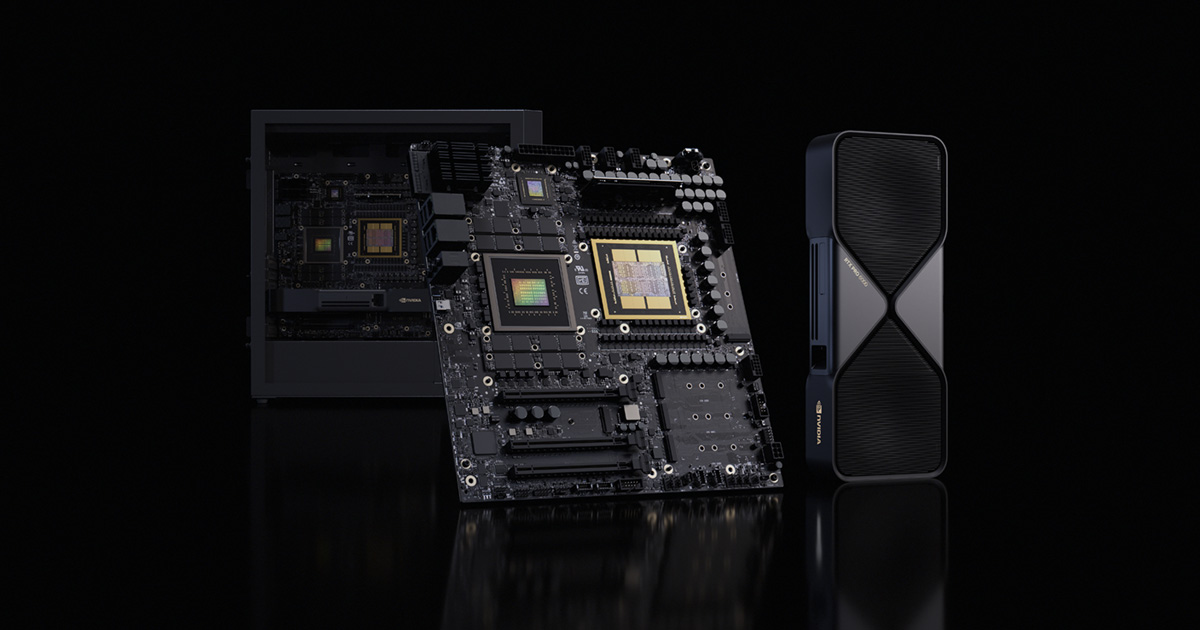
That depends entirely on architecture. On a Ryzen AI Max machine Windows hands the graphics side about 96GB. On a Mac the default wired limit gives about 96GB. On a GB10 machine the operating system reserves roughly 8GB and the model gets about 120GB. Same headline number, three different working figures.
What does that run?
A 70B model at Q4 needs about 51GB, so it fits with a great deal of room to spare. A 120B class model needs about 86GB, which fits on a GB10 machine comfortably and on a 96GB machine tightly. You can also keep a second smaller model resident for routing, which is what makes agent workflows feel responsive.
When is it not enough?
Two cases. The very largest open mixture-of-experts models, at 235B parameters and beyond, need every expert resident and will not fit. And running a large model at a very long context alongside other resident models can exhaust 96GB faster than people expect, because context memory scales with length.
Should you buy more?
Only if one of those two cases is actually your work. Going beyond 128GB means a 256GB or 512GB Mac Studio, at a very large price step. For the overwhelming majority of local AI work, 128GB is the point where memory stops being the constraint and bandwidth becomes the thing you notice.
How does the memory get used in practice?
A realistic agent setup is not one model. It is a large model doing the reasoning, a small fast model routing requests, an embedding model for retrieval, and a context that grows through the session. On a 96GB machine a 70B main model at about 51GB leaves roughly 45GB for everything else, which is comfortable but not unlimited.
Push the context to 64k or keep several models warm and that headroom disappears faster than people expect. This is the practical reason to prefer the GB10 machines' 120GB over a 96GB configuration if agent work is the plan.
What happens when you exceed it?
The runtime offloads layers to the processor and generation slows substantially, or the model fails to load at all. Neither is subtle, and both are avoidable by checking the arithmetic before buying rather than after.
Is 128GB better value than 256GB?
Almost always, and by a wide margin. The step from 128GB to 256GB on the only machines that offer it is a very large price increase for capability that only the largest mixture-of-experts models use. Unless you have a specific model in mind that needs it, the money buys more elsewhere.
What will change this answer?
Model sizes and architectures. Mixture-of-experts designs have made large parameter counts cheaper to run but no cheaper to hold, because every expert must be resident. If that trend continues, 128GB will feel tighter in two years than it does now, which is an argument for buying at the top of your budget rather than the middle.
That said, quantisation has improved in the other direction, and a model that needed 90GB a year ago may need 60GB today at comparable quality. The two trends partly cancel, which is why 128GB remains a sound target rather than an obviously temporary one.
What does 128GB cost today?
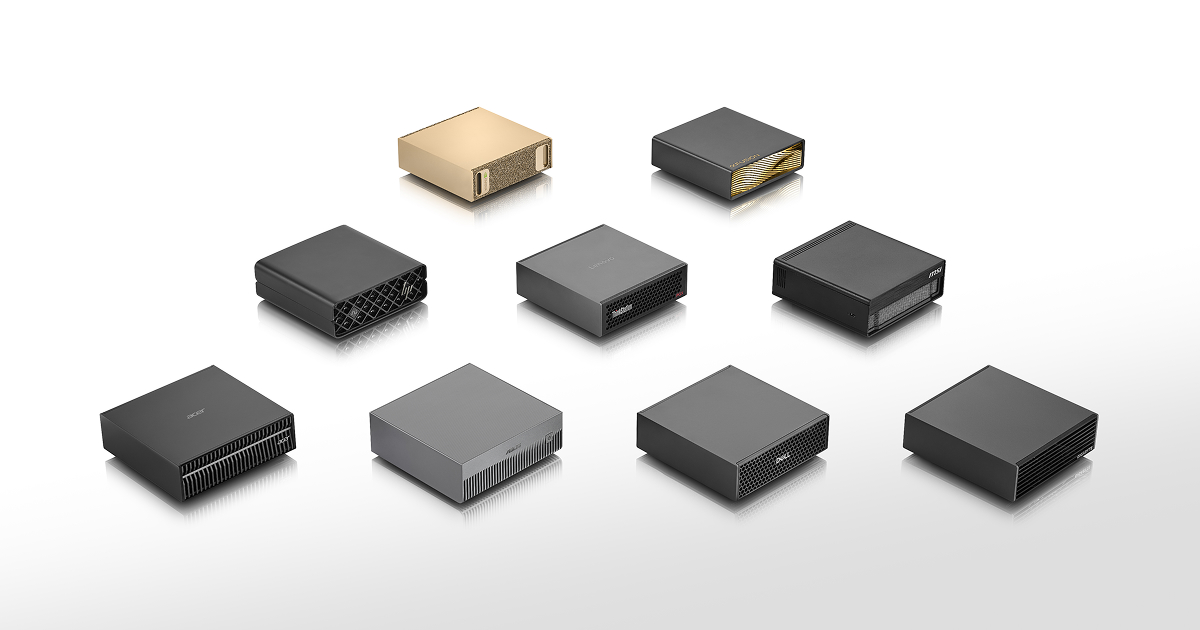
Considerably less than it did. A 128GB Ryzen AI Max mini PC is the cheapest route and the table above shows current verified prices. A GB10 machine gives slightly more usable memory with the CUDA stack behind it at a higher price. A 128GB Mac sits between them and brings the macOS ecosystem.
All three clear the 70B requirement with margin. The differences are bandwidth, software and price, not capability on the models most people run.
Is more memory or more bandwidth the better upgrade?
Bandwidth, once you have enough memory. Going from 96GB to 120GB changes almost nothing if your largest model needs 51GB, while doubling bandwidth halves the time you spend waiting for every answer.
This reverses below the threshold. If your model does not fit, no amount of bandwidth helps, and capacity is the only upgrade that matters. Work out which side of that line you are on before spending.
A practical recommendation
If you are buying today for local language models, 128GB of system memory is the sensible target and the point where memory stops being the thing you think about. Spend what is left on bandwidth and on software support rather than on more capacity, unless you have a specific very large model in mind.
How we calculate the figures on this page
The answer on this page depends on a figure that is not the number on the box, so it is worth being precise about where it comes from. A 128GB machine gives a model about 96GB on Ryzen AI Max and Apple silicon, where the platform reserves roughly a quarter, and about 120GB on an NVIDIA GB10 machine, which reserves only the operating system. Against that, a 70B model at Q4 needs about 51GB including overhead and an 8k context, and a 120B class model about 86GB. The first fits all three comfortably. The second fits a GB10 machine comfortably and a 96GB machine tightly, which is the distinction this page turns on. Context is the variable people underestimate. The key-value cache scales with conversation length, so a setup that fits at 8k can exhaust memory at 64k, and agent workflows accumulate context faster than chat does because every tool call and file read is added to it. If agents are your use, treat the comfortable threshold as a floor rather than a target and prefer the machine with more headroom. Every one of these figures is computed by the same rule across the site, so the number here, the number on a system page and the number the comparison tool uses are always the same number.