How Much VRAM Does a 70B Model Need?
Updated
A 70B model is the point where consumer hardware stops being an option and the buying decision changes shape entirely.
What is the exact requirement?
At Q4_K_M, 70 billion parameters at about 4.85 bits each is roughly 42GB of weights. Add about 15 percent runtime overhead and around 2GB for an 8k context and the working figure is close to 51GB. At Q8 the same model needs about 88GB.
Why no consumer graphics card can do it
The largest consumer card available holds 32GB. A 70B model at Q4 needs around 51GB, so it does not fit, and the shortfall is not marginal. Splitting the model between the card and system memory works, but the offloaded layers run at a fraction of the speed and the result is usually slower than people find tolerable.
What actually runs one
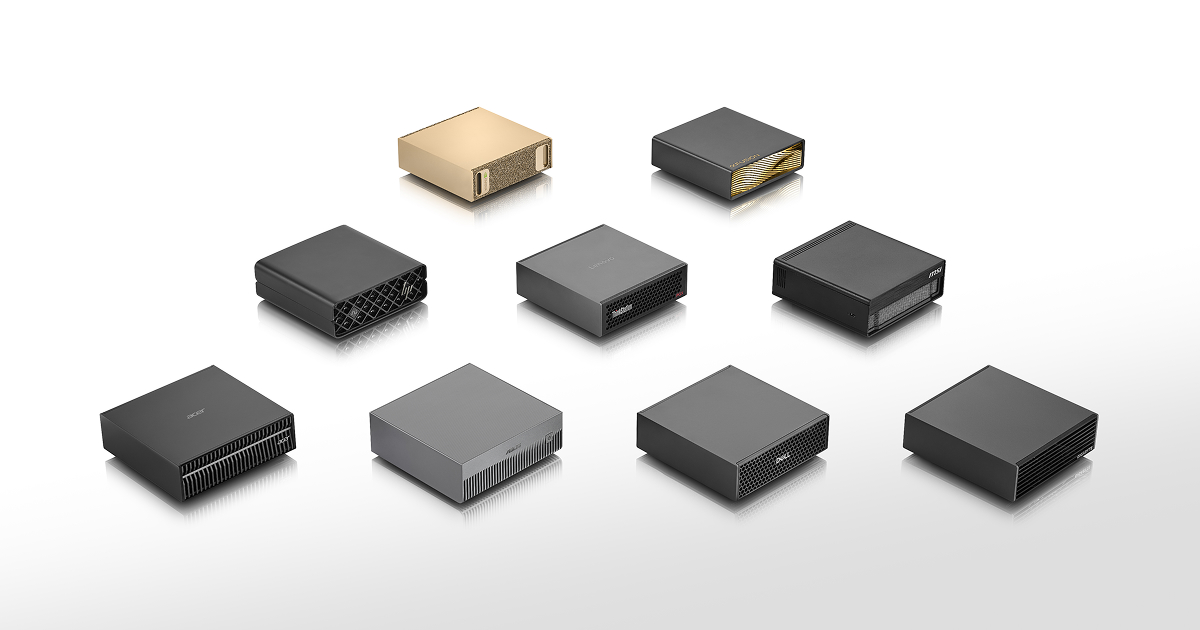
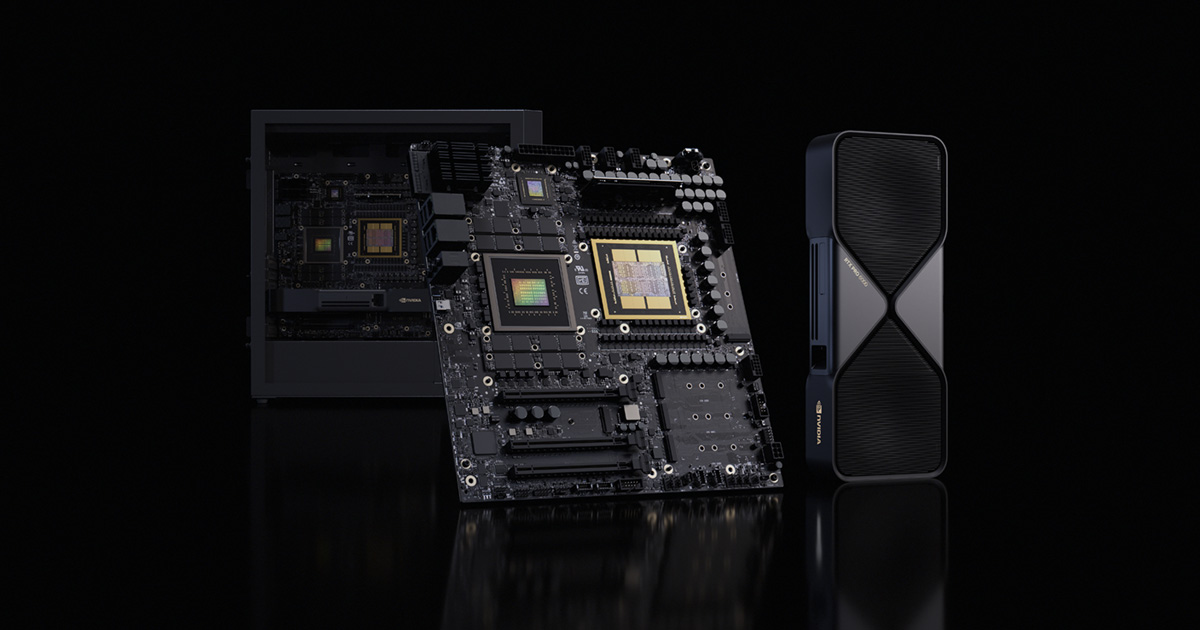
Three routes. A professional card with 48GB or more holds it entirely in fast memory and is the quickest option. A GB10 machine offers about 120GB of coherent memory at 273 GB/s. A high-memory Mac or Ryzen AI Max machine offers between 96GB and 384GB at varying bandwidth. All three work; they differ enormously in price and in speed.
Is a 70B model worth the hardware?
Often not. The gap between a good 32B model and a 70B model is real but much smaller than the gap in hardware cost, and a 32B model runs on machines costing a third as much. Try a 32B model first on hardware you can borrow before committing to this tier.
What does offloading actually cost?
Running a 70B model on a 32GB card means roughly 40 percent of the layers live in system memory and execute on the processor. Because the processor reads memory far more slowly than the card does, those layers dominate the total time, and the result is commonly several times slower than a machine that holds the whole model.
People try this, find it unusable for interactive work, and conclude that local 70B models are impractical. The conclusion is wrong; the hardware was. On a machine with enough memory the same model is perfectly usable.
Does quantisation rescue a smaller machine?
Only so far. Dropping from Q4 to Q3 takes a 70B model from about 51GB to around 40GB, which still exceeds any consumer card, and the quality loss becomes noticeable in exactly the reasoning tasks people choose a 70B model for. Below Q3 the model degrades faster than the memory saving justifies.
The honest position is that Q4 is the floor worth running for this model size, and 51GB is therefore a real requirement rather than a soft target.
What about two graphics cards?
Two 32GB cards give 64GB in total and can hold a 70B model split across them. This works, and for some workloads it is fast. It also brings a power supply sized for both cards, a motherboard with the right lane allocation, considerably more heat and noise, and a software setup that is more fragile than a single device.
For most people a single unified-memory machine reaches the same capability with none of that complexity, usually for less money. Dual cards make sense when you also need the compute for training or image generation.
What does the hardware cost?
The table above lists every machine we track that clears the requirement, with verified prices where we have them. The spread is wide: a unified-memory mini PC and a professional workstation both run the model, and they differ by several times in price and in speed. Decide how fast you need the answer before deciding how much to spend.
Is a 70B model worth it over a 32B model?
Often less than the hardware cost suggests. A good 32B model handles summarising, drafting, retrieval and most coding assistance at a quality many people find sufficient, and it runs on hardware costing a third as much. The 70B advantage shows up in longer reasoning chains and in following complicated instructions precisely.
The practical advice is to try a 32B model first on hardware you can borrow or rent before committing to the 70B tier. If the smaller model already does your work, the money is better spent on storage, memory headroom or simply not spent.
What does the context add?
The figures on this page assume an 8k context, which adds about 2GB. A 32k context adds roughly four times that, and a long-document workflow more again. If your use involves feeding in large files, add the context cost explicitly rather than assuming the headline figure covers it.
This is the most common reason a model that fit in testing stops fitting in real use, and it is entirely predictable in advance.
Which route is cheapest?
Currently a unified-memory machine with 128GB of system memory, giving a model about 96GB. That clears the 51GB requirement with a wide margin and costs substantially less than a professional card with comparable capacity. It is also considerably slower, which is the trade you are making.
How we calculate the figures on this page
The 51GB figure on this page is not a rounded estimate. Seventy billion parameters at 4.85 bits each is 42.4GB of weights, runtime overhead adds about 15 percent to reach 48.8GB, and an 8k context adds roughly 2GB for the key-value cache, giving 50.8GB. We call a machine comfortable only at 56GB and above, which is that total plus 10 percent headroom, because a model that exactly fills memory leaves nothing for a longer conversation. At Q8 the same arithmetic gives about 88GB and at FP16 about 161GB. These numbers move with context length rather than staying fixed: a 32k context roughly quadruples the cache contribution, and a workflow that feeds in long documents should budget for that explicitly rather than assuming the headline figure covers it. We publish the arithmetic rather than a verdict because hardware changes faster than advice does, and a reader who knows the formula can evaluate a machine we have not catalogued yet. The table above lists every system we track that clears the comfortable threshold, with verified prices where a retailer or manufacturer publishes one. Where a machine has no verified price we say so and score it zero on value rather than quietly ranking it as though it were free.